Hide Excel on start
“Hide Excel on start” is a special feature to enhance the end user interface by allowing to make the Excel grid invisible.
This interface should be coded by VBA.
“Hide Excel on start” has no effect on the protection rate of the compiled EXE application.
Please download the following two examples to find out how the “Hide Excel on start” feature works.
samplevba_he.exe file was compiled for Excel 32-bit and Excel 64-bit with the “Hide Excel” option enabled.
samplevba.exe file was compiled with the “Hide Excel” option disabled .
You can find the original SampleVBA.xls file in Documents folder >> DoneEx >> Samples sub-folder on your computer disc.
If you take a look at the example you will see that it contains a custom form.
In case of using the ‘Hide Excel’ option, this form will be shown instead of the original Excel interface the moment when you launch the EXE file.
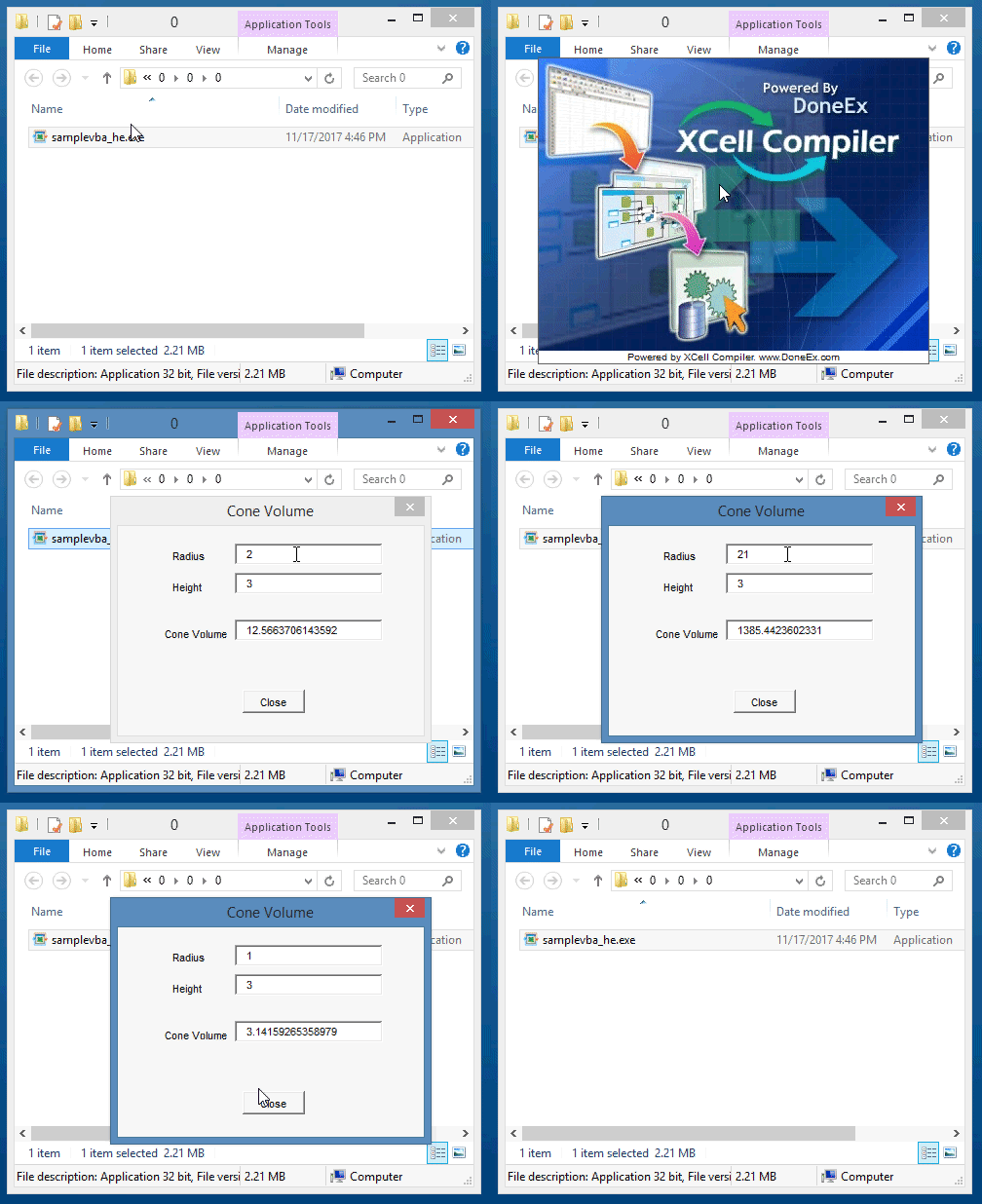
To achieve that you need to call your VBA UserForm from the Workbook_Open procedure.
 Private Sub Workbook_Open()
    MainForm.Show vbModal
 End Sub